Shaikh Zeeshan Start A Project

Trackipal Connect

Designing a PayPal Tracking and Dispute Platform for Shopify Sellers

Industry
  • E-commerce01
  • Payments02
  • SaaS03
Project Type
  • SaaS Platform01
  • Seller Dashboard02
  • Dispute Workflows03
Services
  • Product UI/UX01
  • Use Cases & Flows02
  • Interaction Design03
Overview

Get Paid On Time, Win More Disputes

TrackiPal syncs a Shopify store’s tracking numbers to PayPal, so PayPal can see orders are shipped and release the seller’s money. Trackipal Connect is the next step: one platform to keep every order in sync and to fight PayPal disputes and chargebacks.

My team and I designed Connect from end to end, from the first sign-up screen to the moment a dispute is won.

The Problem

The Challenge

PayPal holds money when it can’t see a delivery. Missing tracking, carrier names PayPal doesn’t recognise and orders from other platforms all end in the same place: a seller waiting to get paid.

Disputes were harder. A buyer opens one, a deadline starts, and the seller gets one chance to answer with the right evidence. Most sellers didn’t know what PayPal wanted to see.

Cost sellers money
  • Missing tracking
  • Unknown carriers
  • Missed deadlines
  • Weak evidence
Had to stay
  • Many stores
  • Many PayPal accounts
  • PayPal’s own rules
  • Self-serve or managed
What I Delivered

How I Helped

I mapped how a PayPal dispute really runs, with every rule and question, before drawing a screen. Then I designed the platform around two jobs: keep orders synced, and walk sellers through each dispute to a result.

Every screen shares one sidebar, one set of status colours and one dispute timeline, so sync and disputes feel like one product.

  • Onboarding, plans and trial
  • Orders and sync tools
  • Carrier routing rules
  • Dispute dashboard and timeline
  • AI Dispute Resolver
  • Dispute flow builder
Tools Figma
The Product

Sync, Protect, Win

Connect links a seller’s stores to their PayPal accounts. It keeps tracking flowing to PayPal so money is released on time, and when a buyer opens a dispute, it shows the deadline, asks for the right proof and follows the case to a result.

180+

Desktop screens and states designed, from sign-up to a won dispute

Onboarding & plansOrders & syncDisputesDispute flowsSettings
9

PayPal dispute types with a ready-made system flow, each with its own reason, proof and reply

3 stages

Every dispute reads the same way: opened, under review, result, always at the top of the page

Screen counts taken from the project’s Figma file.

Design Thinking

Five Places Sellers Lost Money

Before drawing screens, I listed every point where a seller could lose money between installing Trackipal and getting paid. Each one became a rule for the product, and each rule became a design decision you’ll see below.

Notes from the working file Real questions left beside the screens they shaped
Under reviewUnder Review status: do we have to take any action?
Became a calm “sit back and relax” state
EvidenceDo we have to send 3 attachments at one time?
One screen, one submit, every upload
Order statusWhere can we find the shipping status, “in transit” or “delivered”?
Read from the tracking link
Shipping labelWhat do you mean by shipping label?
Optional field, with a tooltip
Reopened casesEven after submitting, the case can reopen and ask for more info.
An Additional Info step in Stage 2
FiltersIf there are more stores, a scroll bar should appear.
A store filter that scrolls
WaitingWhen there’s no update in review, show an illustration and say we’ll tell you.
Empty states that explain the wait
FiltersYou can select multiple.
Multi-select filters on every list
Use Case

The Dispute, Mapped First

PayPal’s rules decide what a seller can do and when. So I mapped the most common case, Item Not Received, from the buyer’s first click to the result, with the client’s answers to every open question. The screens followed the map.

From the project file
The original use case map for Item Not Received, with colour-coded states and sticky notes of questions and answers

The original map, with the client’s answers on purple notes. Each answer settled a screen: one submit, the order status from the tracking link, an optional shipping label.

User Flow

Install To First Sync, Five Steps

Five steps from sign-up to a working dashboard. Sellers make two real decisions, which PayPal account to connect and how much help they want. Connect does the rest.

  1. 01Sign inEmail or Google, store details pulled in
  2. 02Connect PayPalOne click, with a secure connectionDecision
  3. 03ConfirmThe linked account, with a way back
  4. 04Pick a planSelf Service or Fully ManagedDecision
  5. 05DashboardMoney protected, disputes due
TrackipalConnect
Chapter 01 / 03 · Sync
Decision 01 · Order sync

Every Order Reaches PayPal

An order PayPal can’t see is money on hold. So the order list shows sync status beside payment and fulfilment for every order, with filters for anything stuck. Back In Time pulls in orders from before the app was installed, and Add Tracker fixes a single order by hand.

Orders · All Orders
All orders with payment, fulfilment and sync status for eachThe same list with filters open: payment status, fulfilment status, sync state, PayPal account and store
All Orders · Filters by payment, fulfilment, sync and store
Back In Time
Back In Time: choose a store and a date, then see each sync job with its order count and status
Back In Time · Sync older orders
Add Tracker
Add Tracker: order details, any open dispute, and fields to add a tracking number and carrier
Add Tracker · Fix one order by hand
Average Back In Time sync, said up front so sellers know when to check back

6 hours

How far back a new routing rule can fix orders that already synced

60 days

A CSV template brings in orders from any platform outside Shopify

1 template

Decision 02 · Routing policy

A rule for every carrier

PayPal only accepts carrier names from its own list, so “GLS (US)” or a local courier can leave an order unsynced. Routing Policy lets a seller write the fix once: original carrier, destination country, the PayPal carrier to send instead, with an option to apply it to orders already synced.

Routing Policy
Routing Policy table of carrier rules by store and countryAdd New Rule modal: store, paste carrier, destination country and the PayPal carrier to use
What I designedOrder list with sync statusFilters by store and accountBack In Time syncRouting rules by countryAdd New Rule modalManual CSV uploadAdd TrackerUpload error, progress and success
Manual Upload, every stateA wrong file, the wait and the result each get their own screen
Upload error: the uploaded file is not in the correct format, with Try again
Wrong format
Upload progress: uploading data with a progress bar
Uploading
Upload complete: successfully uploaded
Uploaded
TrackipalConnect
Chapter 02 / 03 · Resolve
Decision 03 · Dispute dashboard

Deadlines First, Then Everything Else

Disputes used to live in PayPal’s inbox, one at a time. The dispute dashboard puts every case from every store and PayPal account in one list: open, processing, under review and awaiting response at the top, then status tabs, filters and a due date on every row.

Disputes · Dispute Dashboard
Dispute dashboard with counts, status tabs and a list of disputes with reason, store, PayPal account, type, amount and due dateThe same dashboard with filters open: status, response date, reasons, carrier and store
Dispute dashboard · Every store, every PayPal account

One dispute, PP-D-9862553, from the buyer’s claim to the resultStage header, summary panel and order stay in the same place on every step

PayPal takes one response, so every proof is asked for on one screen, before the button

1 submit

Opened, under review, result: always at the top, with the next due date

3 stages

The odds of winning, beside every dispute, with a switch to let TrackiPal handle it

TrackiScore®

Decision 04 · AI Dispute Resolver

Ask what happened, then ask for proof

Sellers didn’t know what evidence PayPal wanted. So the resolver asks one question first, was the order delivered or is it in transit, and the page changes to match: a drafted response, the date and tracking link fields, and exactly the files that case needs.

Dispute PP-D-9862553 · Respond
Order Delivered selected: a drafted customer response, delivered date, tracking link and four upload boxesOrder In Transit selected: the response and the documents change for an order still on its way
What I designedDispute dashboardStatus tabs and filtersThree-stage timelineDispute summary panelTrackiScore®AI Dispute ResolverEvidence uploadsUnder review stateAdditional info stepWon and lost results
One pattern, every dispute typeA new reason means new questions, never a new page
Item not received dispute
Item not received
Item not as described dispute with its own options
Not as described
Unauthorized transaction dispute
Unauthorized transaction
TrackipalConnect
Chapter 03 / 03 · Automate
Decision 05 · Dispute flows

Answer A Dispute Once

Most disputes repeat. Dispute Flows turn the answer into a rule: when this type of dispute arrives, check the shipping status, then accept the claim, send an apology or message the buyer with a saved template. Nine system flows come ready, and sellers can build their own on a canvas.

Dispute Flow · Create New Dispute Flow
Flow creator: a canvas with Inquiry, Item Not Received, shipping status branches and actions, and a toolbar of building blocks
Flow creator · Drag blocks, branch on status
System Flows
System Flows: nine ready-made flows, one per dispute type
System flows · One per dispute type
System Flows · Item Not Received
The Item Not Received system flow from inquiry to accept claim, apology or message to buyer
Item Not Received · The map, made real
Ready-made system flows, one for each PayPal dispute type

9 flows

Tools, inquiry, dispute type, claim, response template and result

6 blocks

Sellers save their own flows beside the system ones and reuse them

My Flows

Also In The Product

Three More Calls That Mattered

Smaller decisions outside the main path, which made Connect easier to buy, easier to set up and safer to change.

Decision 06

Plans that match how much help you want

Some sellers want the tools, some want TrackiPal to handle disputes for them. So two plans sit side by side, Self Service and Fully Managed, each with its fee per recovered dispute. Cancelling shows exactly what a seller gives up, with “No, nevermind” as the easy choice.

1Trial2Plans3Cancel, with a reason to stay
Settings · Plans
Start your free trial with Self Service and Fully Managed plansPlans in settings with the current plan markedCancel plan confirmation listing what the seller would lose
Decision 07

All settings in one place, never a new page

Profile, linked accounts, notifications and plans open in one modal over the dashboard, so a seller can change a setting and land right back where they were. Linked accounts groups every store and PayPal account, each with its own switch.

1Profile2Linked accounts3Notifications
Settings
Profile settingsLinked accounts: e-commerce stores and PayPal accounts with switchesNotification and alert settings for sync, disputes and activity
Decision 08

Clear states for waiting and risky moments

A first sync takes time, so the empty dashboard says “syncing data” in every panel instead of showing zeros. Removing a PayPal account is the riskiest action in the app, so it asks the seller to type DELETE first.

1Syncing2Notifications3Type to confirm
Dashboard
Dashboard while syncing, with syncing messages in each panelNotifications dropdown on the dashboardRemove PayPal account modal asking the seller to type DELETE
Iteration

First Pass, Then The Final

The project file keeps an earlier direction beside the final one. Side by side, they show what mapping the use case changed: the seller stopped writing replies and started answering one question.

First pass

A response generator

  • Case details in one strip, with no sense of where the case stood
  • Sellers built the reply themselves from merge-field templates
  • A separate admin shell, apart from the seller dashboard
Dispute · first pass
First pass of the dispute page: an admin layout with a top bar and stacked dispute info
Final

A timeline the seller can follow

  • Three stages across the top, with the due date
  • Pick what happened and the reply is drafted for you
  • One summary panel with TrackiScore®, inside the seller dashboard
Dispute · final
Final dispute page with the three-stage header, the buyer message, the AI Dispute Resolver and a summary panel
The Final Product

Every Screen, One Platform

The finished Trackipal Connect platform, from sign-up and plans to orders, sync tools, disputes and flows: a cross-section of the 180+ screens and states, all built from one sidebar, one timeline and one set of status colours.

Outcome

What It Made Easier

For the team growing TrackiPal beyond tracking sync, and for the sellers waiting on PayPal every day.

For TrackiPal:

  • Sync and disputes in one product
  • A managed service with a clear price
  • One pattern for every new dispute type
  • A stronger story for growing sellers

For sellers:

  • Keep every order’s tracking in PayPal
  • Fix carrier names once, with a rule
  • Bring in orders from other platforms
  • See every dispute and its due date
  • Know exactly which proof to send
  • Let common disputes run on a flow
The Brand Behind It

Built For A Brand Sellers Trust

These are TrackiPal’s public figures from the Shopify App Store. They show the sellers Connect was designed for, and the standard it had to live up to.

Headline result

4.7/5

TrackiPal’s rating on the Shopify App Store

From 106 merchant reviews, 94% of them five stars, for the TrackiPal PayPal Tracking Sync app.

Each dot is 1% of reviews · 94% are five stars

106

Merchant reviews on the Shopify App Store

Built for Shopify

Shopify’s badge for performance, design and integration

8

Languages the app is offered in

2020

Year TrackiPal launched on the Shopify App Store

From TrackiPal’s public Shopify App Store listing, October 2026. The figures describe the TrackiPal app and brand, not Connect alone.

Key Takeaway

I turned PayPal’s dispute rules into a path sellers can actually follow: one place to keep orders synced, one timeline for every dispute, and the right proof asked for before the only chance to send it.

More Case Studies

Explore More Work

Eight projects, each told from the first sketch to launch. Pick the one closest to what you’re building.

View All Work
5.0Top Rated Plus on Upwork

Let's Start Your Project Today.

Send one message. Get a clear plan, a fixed price and first designs within 24 hours.

Start A Project
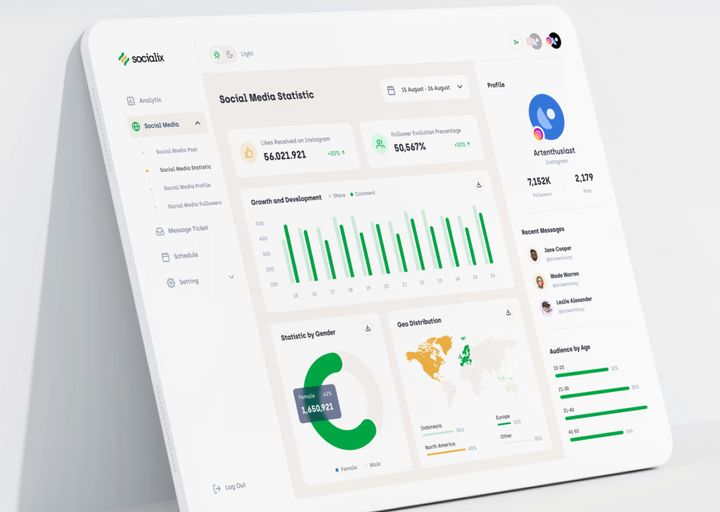
Socialix project preview
SocialixUI/UX · SaaS
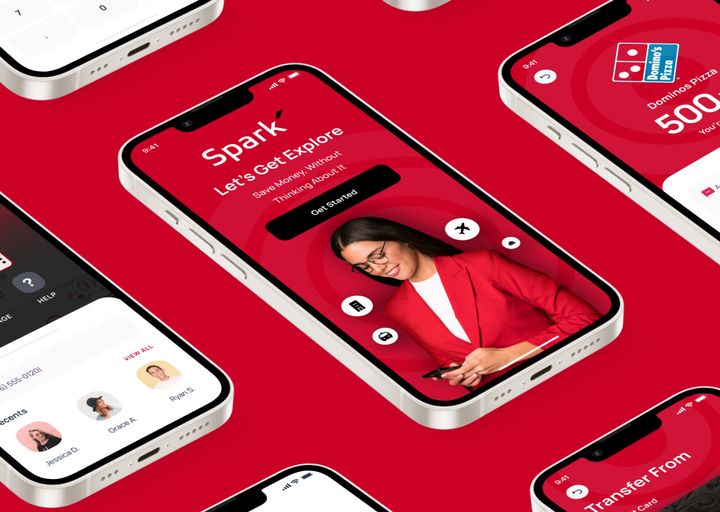
SPARK PAY project preview
SPARK PAYApp Design
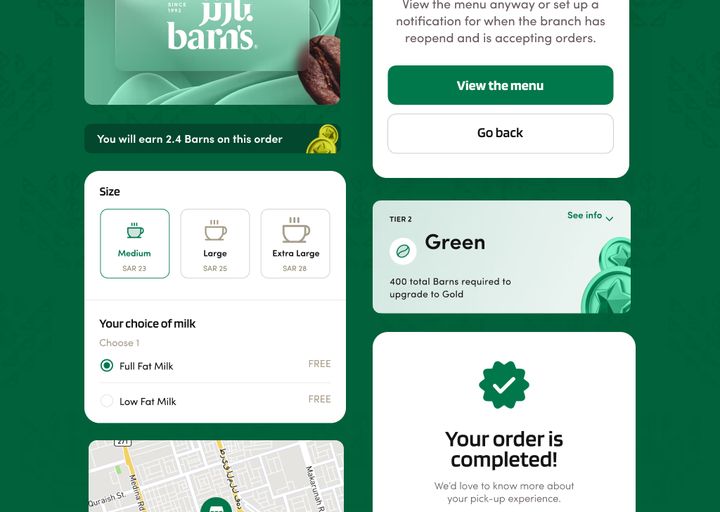
COFE Cloud project preview
COFE CloudApp Design
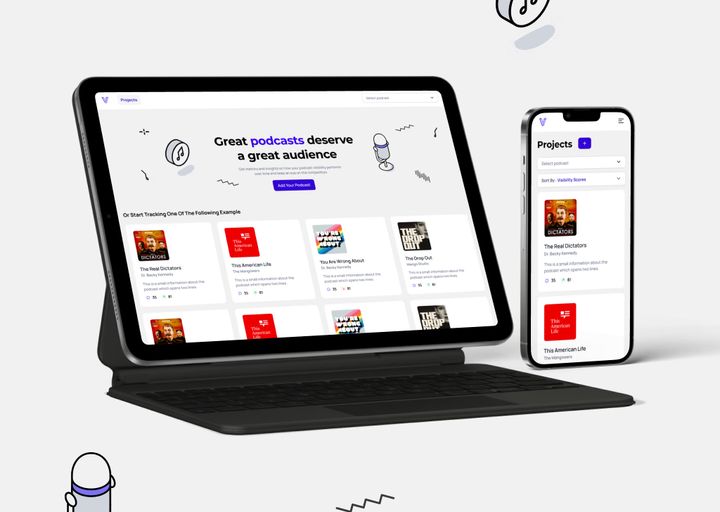
voxalyze project preview
voxalyzeWebsite Design
MyMood AI project preview
MyMood AIAI · App Design
Shaikh Zeeshan · Projects
Your project
is next.
300+ projects First screens in 24h